A website is not “just pages” anymore. It is a product. Whether you are launching an IT agency site, an e-commerce store, or a SaaS platform, the real difference between an average site and a high-performing one is the architecture under the hood.

What makes a modern web architecture?
- Performance-first: optimized assets, caching, compression, and smart rendering for speed.
- SEO-ready: clean structure, schema, fast pages, and semantic HTML for discoverability.
- Secure by default: HTTPS, secure headers, input validation, and safe API patterns.
- Scalable foundations: modular components, reusable UI blocks, and clean backend integrations.
A clean blueprint you can follow
- UI layer: responsive layout + reusable components for consistency.
- Content layer: structured data (CMS or JSON-based) so updates are easy.
- Integration layer: APIs for forms, CRM, analytics, payments, and automation.
- Delivery layer: CDN + caching + image optimization for globally fast loading.
Tip: If your homepage looks great but your site becomes slow after adding more sections, that is not “normal”. It is usually an architecture and asset optimization issue.
Common mistakes we fix often
- Unoptimized images and videos that silently kill performance.
- Too many heavy scripts loaded on every page.
- No caching strategy and no CDN.
- Forms that do not integrate cleanly with CRM or email automation.
- Weak SEO structure (headings, meta, schema, internal linking).
Outcome: what you get with the right setup
A modern architecture gives you stability, faster loading, better conversion rates, and fewer headaches when you add new features later like blogs, case study modals, multi-language, or e-commerce.
A website is not “just pages” anymore. It is a product. Whether you are launching an IT agency site, an e-commerce store, or a SaaS platform, the real difference between an average site and a high-performing one is the architecture under the hood.
What makes a modern web architecture?
- Performance-first: optimized assets, caching, compression, and smart rendering for speed.
- SEO-ready: clean structure, schema, fast pages, and semantic HTML for discoverability.
- Secure by default: HTTPS, secure headers, input validation, and safe API patterns.
- Scalable foundations: modular components, reusable UI blocks, and clean backend integrations.
A clean blueprint you can follow
- UI layer: responsive layout + reusable components for consistency.
- Content layer: structured data (CMS or JSON-based) so updates are easy.
- Integration layer: APIs for forms, CRM, analytics, payments, and automation.
- Delivery layer: CDN + caching + image optimization for globally fast loading.
Tip: If your homepage looks great but your site becomes slow after adding more sections, that is not “normal”. It is usually an architecture and asset optimization issue.
Common mistakes we fix often
- Unoptimized images and videos that silently kill performance.
- Too many heavy scripts loaded on every page.
- No caching strategy and no CDN.
- Forms that do not integrate cleanly with CRM or email automation.
- Weak SEO structure (headings, meta, schema, internal linking).
Outcome: what you get with the right setup
A modern architecture gives you stability, faster loading, better conversion rates, and fewer headaches when you add new features later like blogs, case study modals, multi-language, or e-commerce.
A slow website costs money in the most boring way possible: users leave before they even see your offer. Google also uses performance signals (Core Web Vitals) as part of ranking, which means speed affects both visibility and conversions.
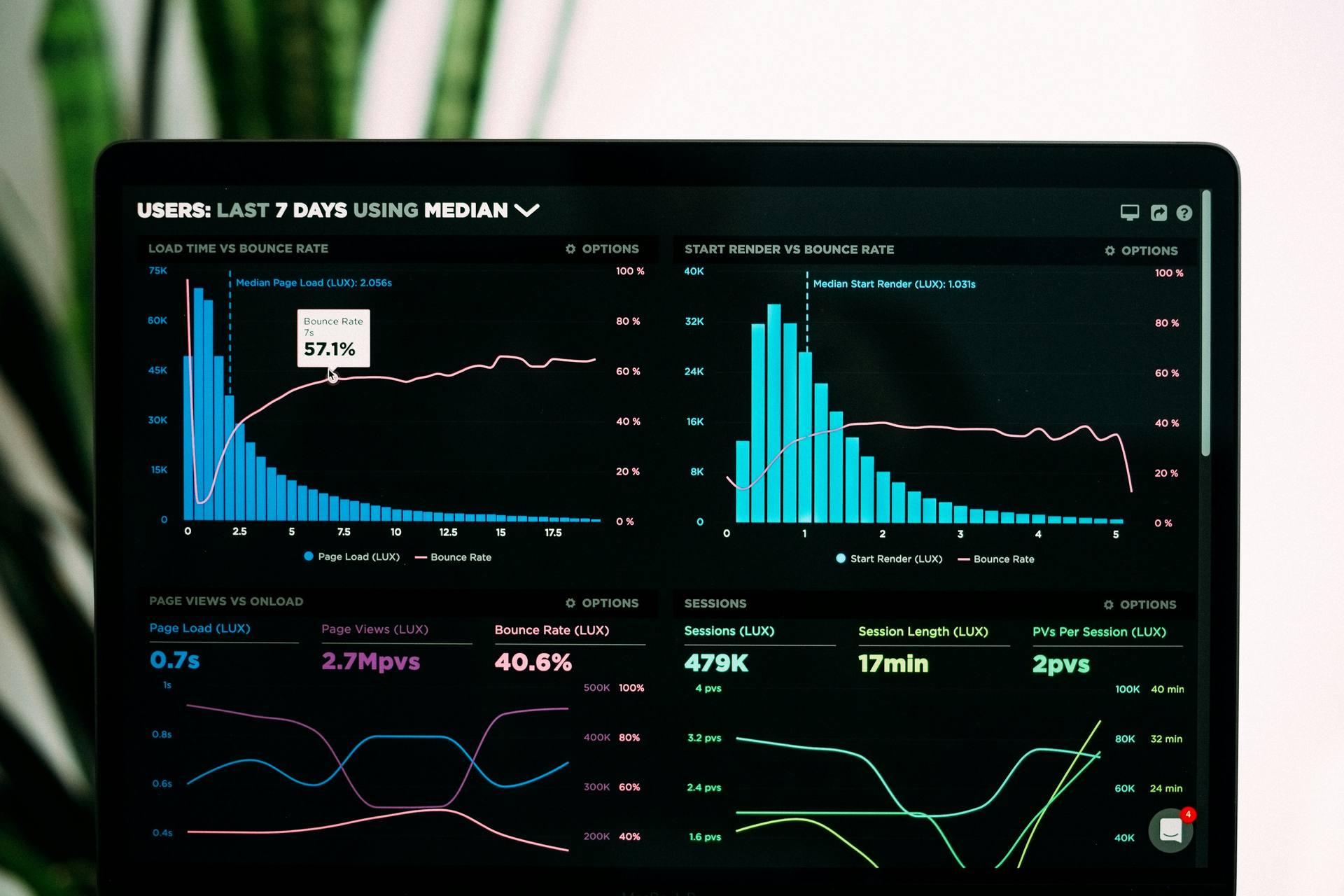
What are Core Web Vitals in simple terms?
- LCP: how fast the main content becomes visible.
- INP: how responsive the site feels when users interact.
- CLS: how stable the layout is (no annoying jumps).
Fixes that usually give the biggest wins
- Image optimization: use WebP/AVIF, correct sizing, lazy-load below-the-fold media.
- Remove unused code: reduce heavy libraries, load scripts only where needed.
- Cache smartly: browser caching + server caching + CDN for static assets.
- Critical CSS: load above-the-fold styles first so the page renders faster.
- Better fonts: preload fonts, reduce font files, and use fallback strategies.
Practical checklist for a high-performing site
- Homepage loads under 2.5 seconds on mobile.
- Images are compressed and sized correctly (no giant 4K images for a 400px container).
- Third-party scripts (chat, tracking, plugins) are minimal and deferred.
- CDN enabled for assets and caching headers configured.
- No layout shift from late-loading banners, fonts, or images.
Speed optimization is not “one magic plugin”. It is a system: assets + scripts + caching + delivery.
A slow website costs money in the most boring way possible: users leave before they even see your offer. Google also uses performance signals (Core Web Vitals) as part of ranking, which means speed affects both visibility and conversions.
What are Core Web Vitals in simple terms?
- LCP: how fast the main content becomes visible.
- INP: how responsive the site feels when users interact.
- CLS: how stable the layout is (no annoying jumps).
Fixes that usually give the biggest wins
- Image optimization: use WebP/AVIF, correct sizing, lazy-load below-the-fold media.
- Remove unused code: reduce heavy libraries, load scripts only where needed.
- Cache smartly: browser caching + server caching + CDN for static assets.
- Critical CSS: load above-the-fold styles first so the page renders faster.
- Better fonts: preload fonts, reduce font files, and use fallback strategies.
Practical checklist for a high-performing site
- Homepage loads under 2.5 seconds on mobile.
- Images are compressed and sized correctly (no giant 4K images for a 400px container).
- Third-party scripts (chat, tracking, plugins) are minimal and deferred.
- CDN enabled for assets and caching headers configured.
- No layout shift from late-loading banners, fonts, or images.
Speed optimization is not “one magic plugin”. It is a system: assets + scripts + caching + delivery.
Most security problems do not happen because hackers are geniuses. They happen because websites are predictable. Bots constantly scan for weak admin panels, outdated plugins, exposed APIs, and simple form vulnerabilities. The good news: basic security practices prevent most issues.
Common threats we protect against
- SQL Injection: unsafe database queries and poor input validation.
- XSS: injected scripts through forms, comments, or unescaped content.
- Credential attacks: brute force login attempts on admin panels.
- Insecure APIs: endpoints that expose data without proper authorization.
- Outdated dependencies: plugins/libraries with known vulnerabilities.
Security essentials every business site should have
- HTTPS everywhere and secure headers (HSTS, CSP where possible).
- Server-side validation for every form input, not just frontend checks.
- Role-based access control so admin features are properly restricted.
- Rate limiting on login and sensitive endpoints.
- Logging + monitoring to detect suspicious behavior early.
- Regular updates for frameworks, plugins, and packages.
Security is a habit, not a one-time setup. The goal is to reduce risk, not chase perfection.
What this achieves
A secure web app protects your brand, prevents downtime, and builds trust with customers. It also saves you from expensive emergency fixes after a breach.